Clean unwanted people, objects, and marks from real photos.
Upload your image, describe the area to clean, compare before and after, then download a result that still looks like your original photo.
Upload the original
Tell AI what to remove
Compare before / after
Photo edit workflow · Auto / source ratio
Upload-first workspace
The full editor is visible now; controls unlock after you upload your photo.
1 Upload2 Configure3 Result
AI Editor RSP
See what gets removed
Drag the divider to compare the original photo with the cleaned result.
Before · exampleAfter · AI edit
↔
↳
Output tray
Actions unlock when a result is ready.
PreviewDownloadEdit again
Approved cleanup examples
Real before / after cleanup results
Drag each 4:3 pair to compare the original and cleaned image. The examples below focus on preserving the subject, framing, and natural lighting.
PeopleHomeProductText marks
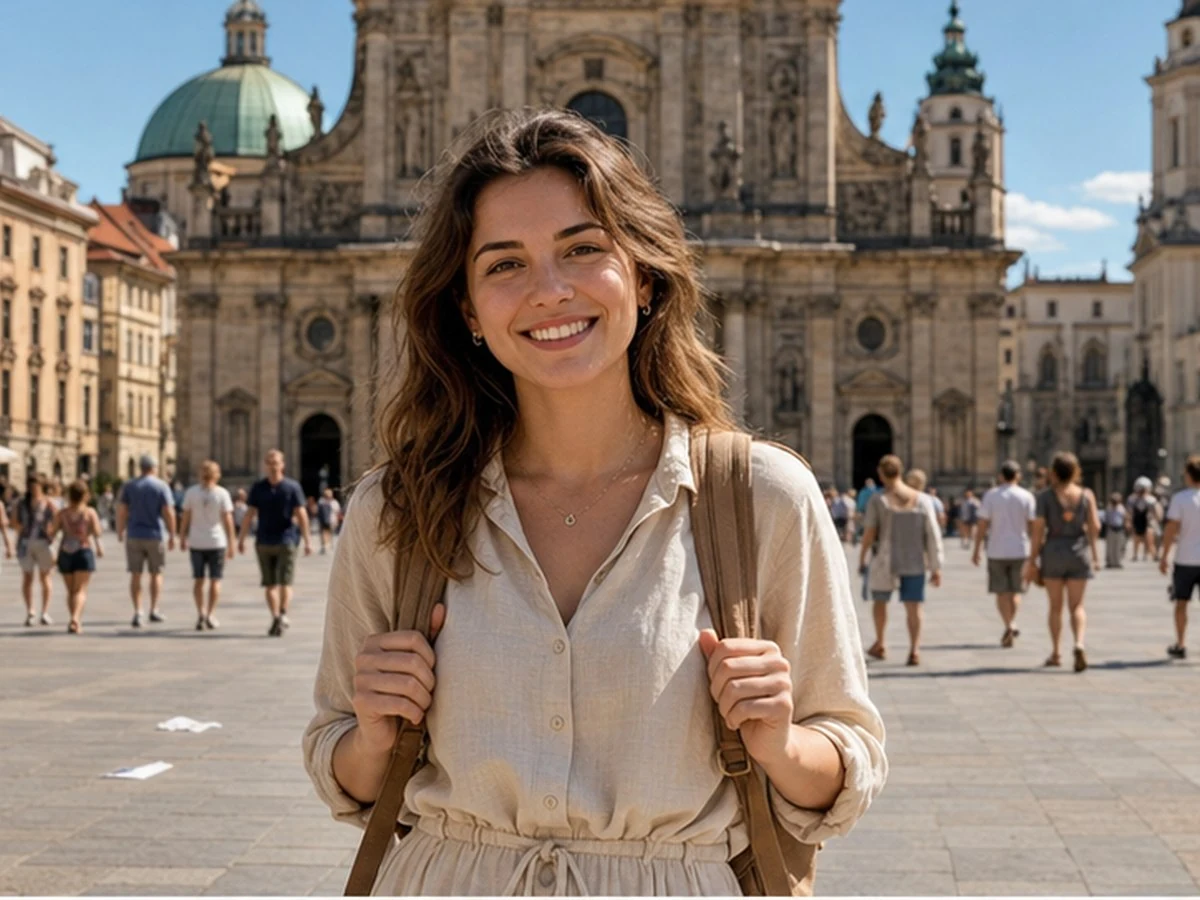
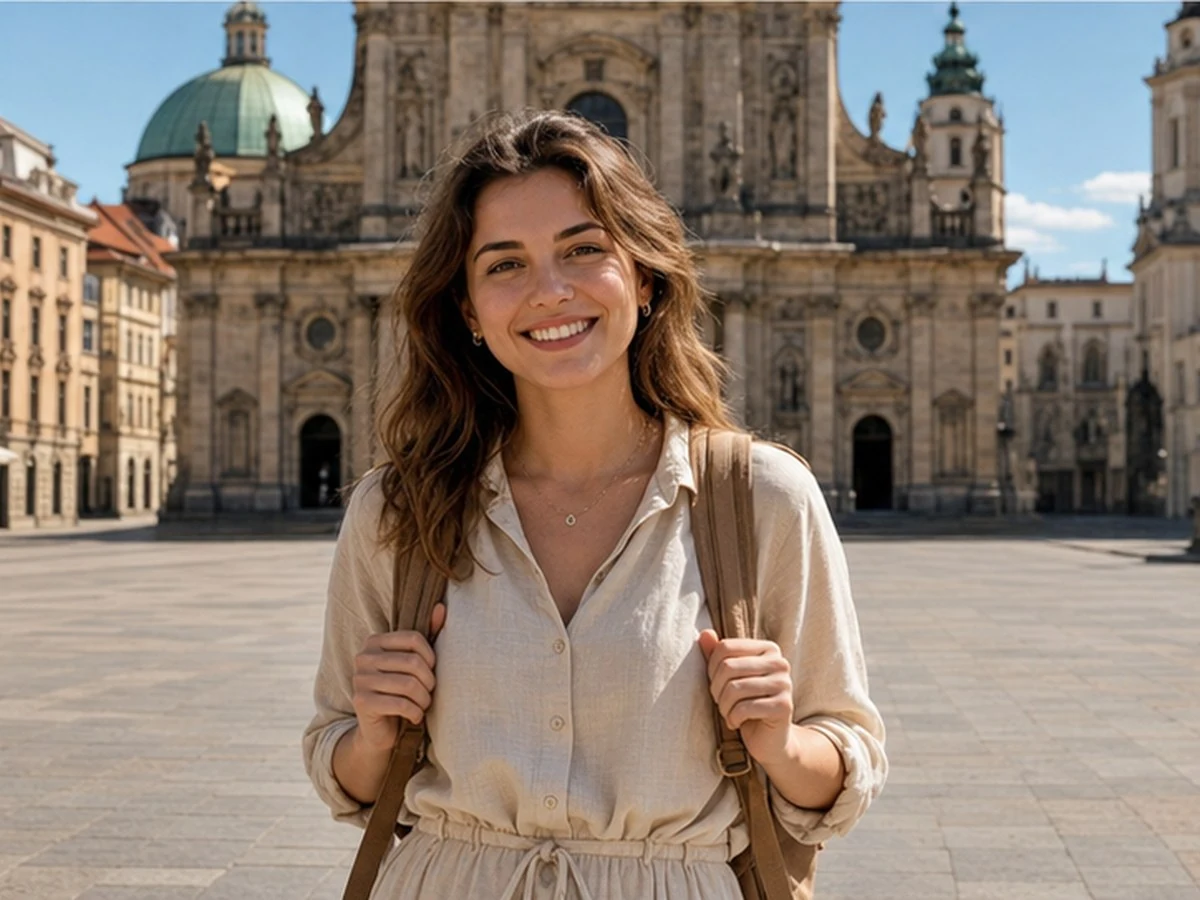
Case 01 · Travel cleanup
Remove people from travel photos
4:3 pair
Before
After
↔
Drag to compare
A real travel-style scene with the main subject preserved and background tourists removed without turning the plaza into a fake studio backdrop.
Task
Remove passersby
Result
Subject and architecture stay natural
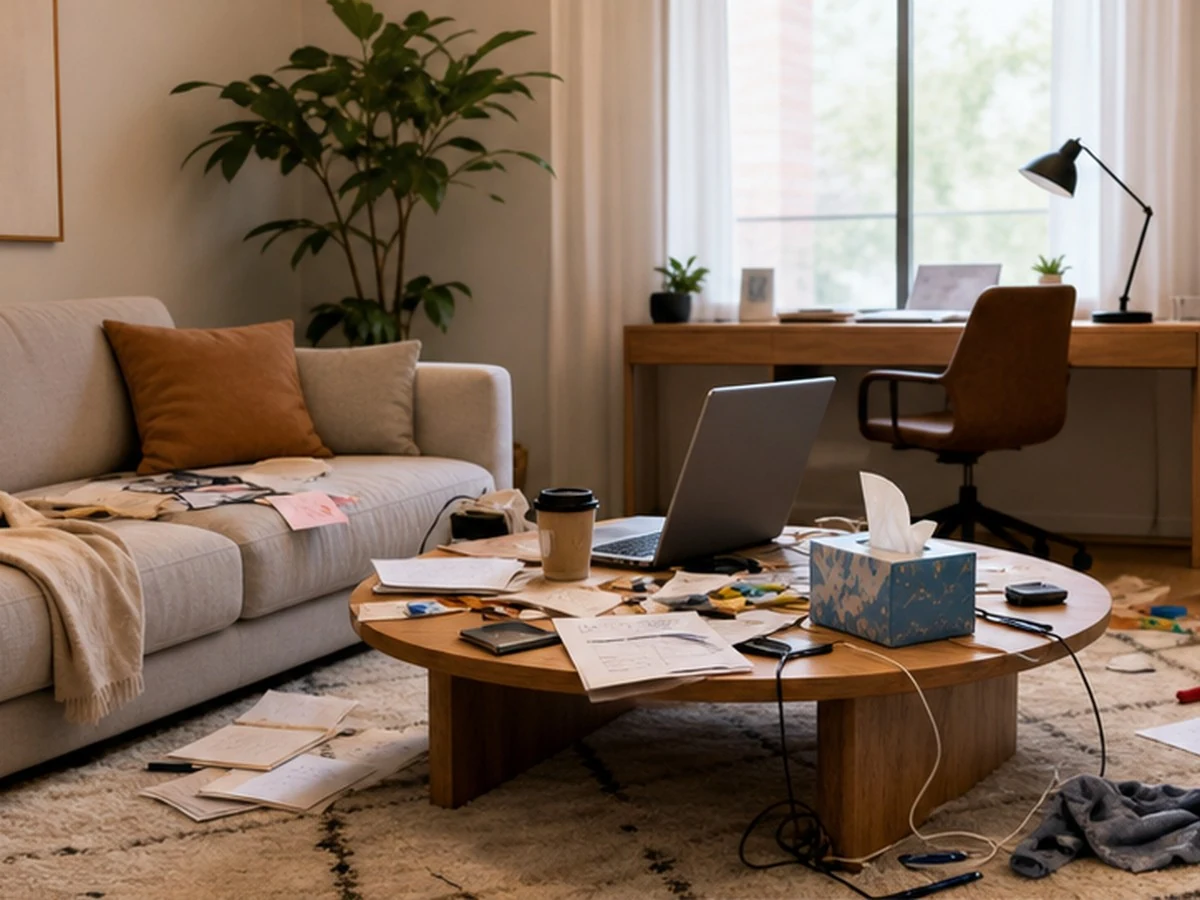
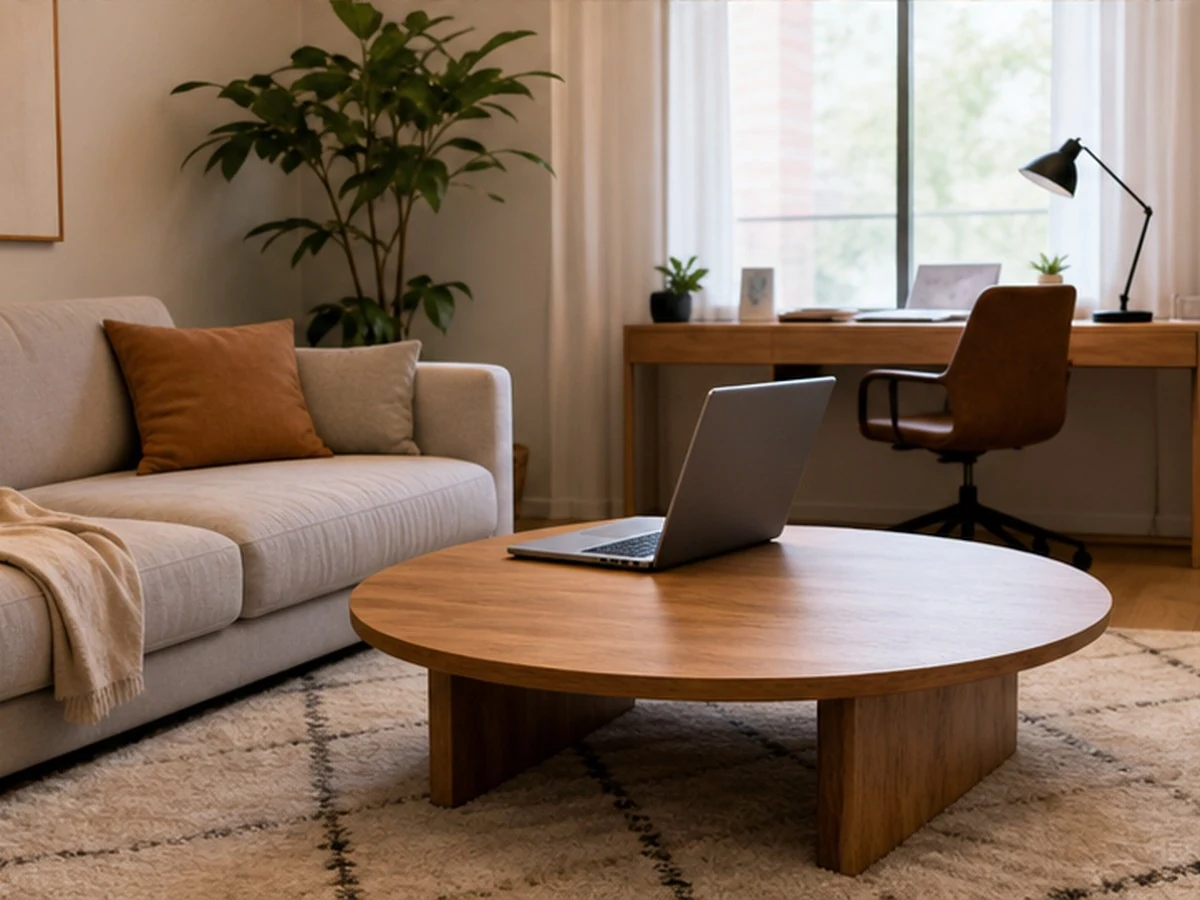
Case 02 · Home clutter
Clean messy room clutter
4:3 pair
Before
After
↔
Drag to compare
The sofa, desk, window, table, and lighting remain consistent while papers, cups, cables, and visual noise are cleared from the room.
Task
Remove clutter
Result
Cleaner room, same layout
Case 03 · Product photo
Clean product backgrounds
4:3 pair
Before
After
↔
Drag to compare
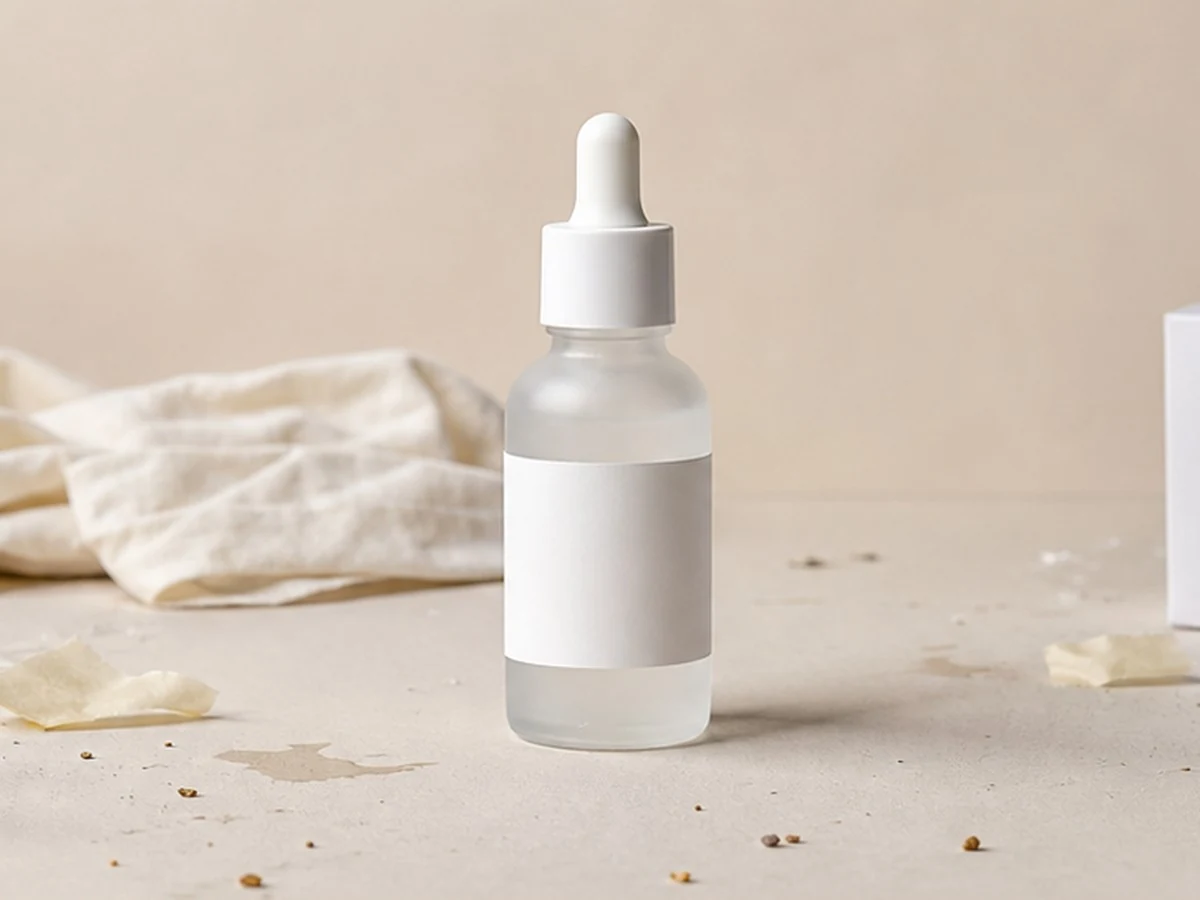
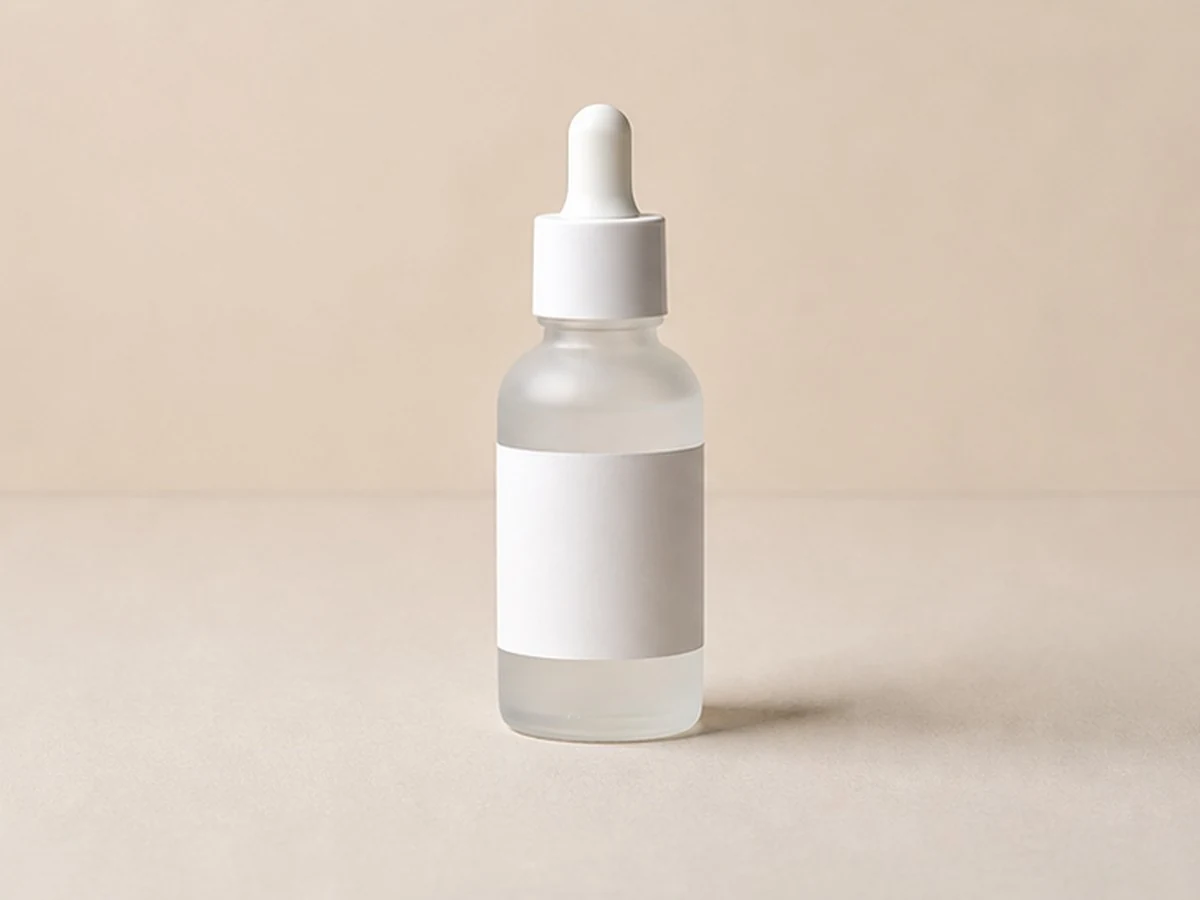
Product shape, label direction, and lighting stay stable while the surrounding background distractions are reduced for a cleaner listing image.
Task
Clean product scene
Result
Sharper product focus
Case 04 · Text marks
Remove text or marks
4:3 pair
Before
After
↔
Drag to compare
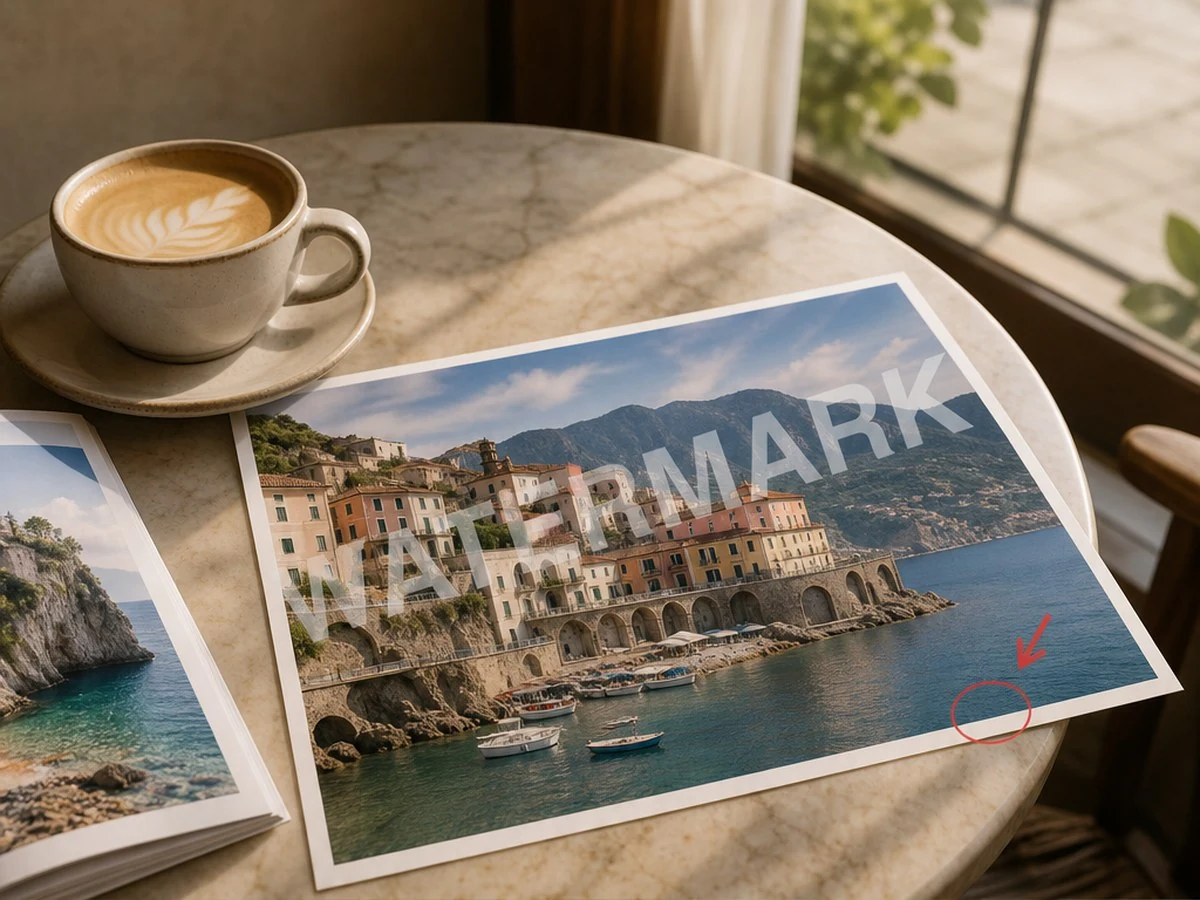
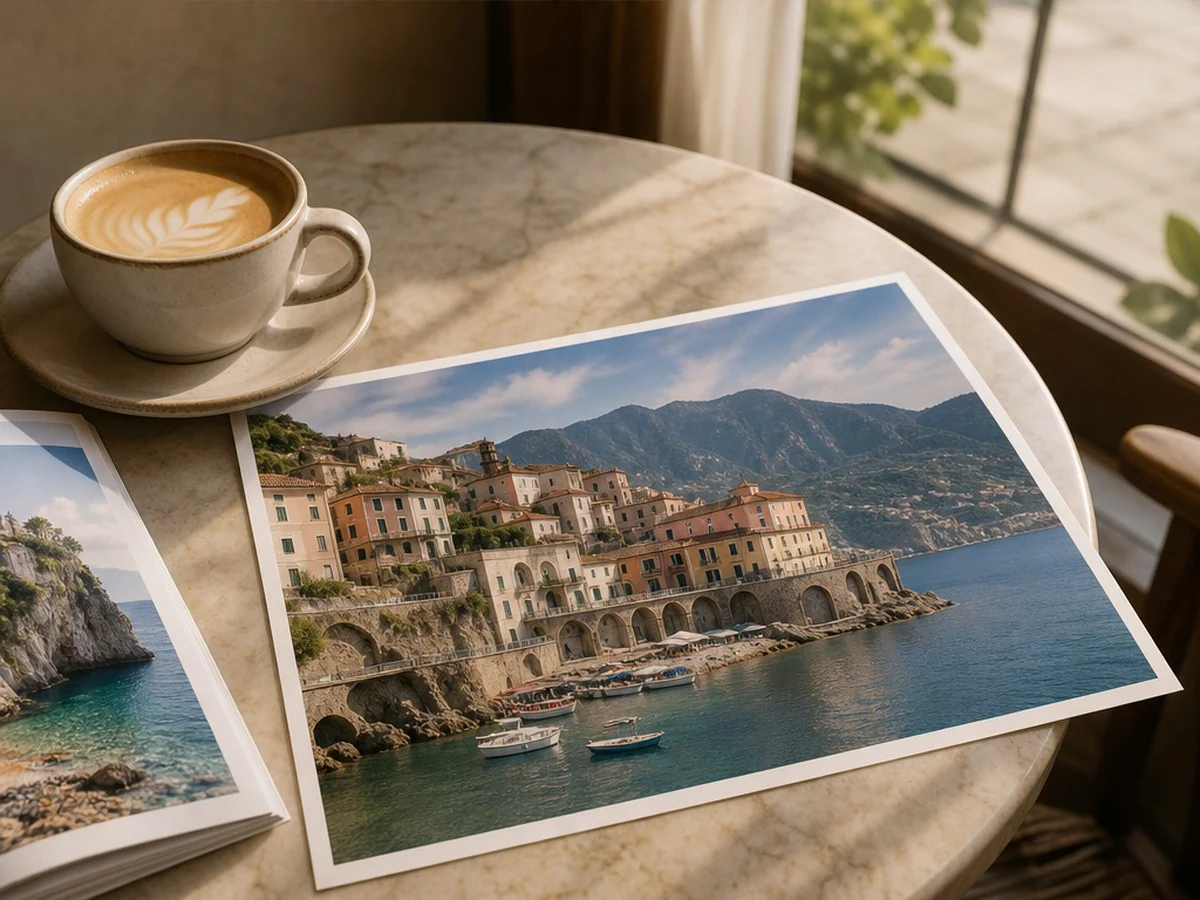
Visible text and red marks are removed from an owned image while the coffee cup, desk surface, and photo composition remain believable.
Task
Erase text marks
Result
Clean image surface
Photo cleanup workflows
One AI object remover for the cleanup tasks people search for.
Keep the tool simple: upload a photo, brush what should disappear, and compare the cleaned result. The page focuses on practical image cleanup instead of adding a full design suite around a single edit.
Remove people from photos
Clean background tourists, passersby, or accidental people from travel and lifestyle photos while keeping the main subject and setting recognizable.
Remove objects from photos
Brush over cups, cables, trash, signs, packaging, or other distracting items and let the editor rebuild the surrounding area.
Clean up product photos
Reduce background clutter around products for cleaner marketplace, portfolio, or social images without changing the product shape.
Remove text marks from owned images
Erase visible notes, labels, stickers, or markup from images you own or have permission to edit, then compare the result before downloading.
Best fit
Use the AI image editor when the original photo is almost right.
The strongest use case is cleanup, not total replacement. If a travel photo has background people, a product image has table clutter, or a social post has a distracting mark, brush the problem area and keep the rest of the image familiar.
Travel and lifestyle cleanup
Remove people, objects, marks, or clutter while preserving the subject, framing, and natural lighting.
Product and marketplace photos
Remove people, objects, marks, or clutter while preserving the subject, framing, and natural lighting.
Creator images with small distractions
Remove people, objects, marks, or clutter while preserving the subject, framing, and natural lighting.
How it works
Brush-based cleanup keeps the edit focused.
Competitor pages often rely on one-click demos. For AI Editor RSP, the clearest user promise is control: the brush tells the editor what to remove, and the before / after slider makes the result easy to inspect.
Step 1
Upload your image
Start with a JPG, PNG, or WebP photo. The workspace keeps the original visible so you can judge the edit against the source image.
Step 2
Brush the area to remove
Paint only the unwanted person, object, text mark, or clutter. Unpainted areas are treated as content to preserve, not as extra edit targets.
Step 3
Preview and compare
Use the before / after comparison to check whether the cleanup still looks natural before opening or downloading the result.
AI photo editor FAQ
Questions before you clean up an image
What can I remove with the AI photo editor?
AI Editor RSP is designed for common photo cleanup tasks such as removing people from photos, removing unwanted objects, cleaning up product backgrounds, and erasing text marks or markup from images you own or have permission to edit.
How do I control what the AI object remover changes?
Use Brush area and paint the unwanted item. The editor sends the original image plus a visible brush overlay so the cleanup prompt can focus on the marked area and preserve unpainted parts of the photo.
Will unpainted areas stay unchanged?
The workflow is built around preserving unpainted areas, and the prompt asks the model to keep the rest of the image stable. Very complex scenes can still vary, so always compare the before and after preview before using the result.
Can I remove text or marks from any image?
Only edit images you own or have permission to modify. Do not use the tool to remove rights notices, attribution, or protective marks from third-party images without authorization.
Is this the same as a full design editor?
No. This page is focused on photo cleanup: remove people, remove objects, clean backgrounds, and erase visible marks. It keeps the workflow simple so the main task is upload, brush, generate, compare, and download.
Who is the AI image editor best for?
It is best for creators, marketers, e-commerce sellers, freelancers, and small teams that need fast photo cleanup for owned images instead of a full manual retouching workflow.