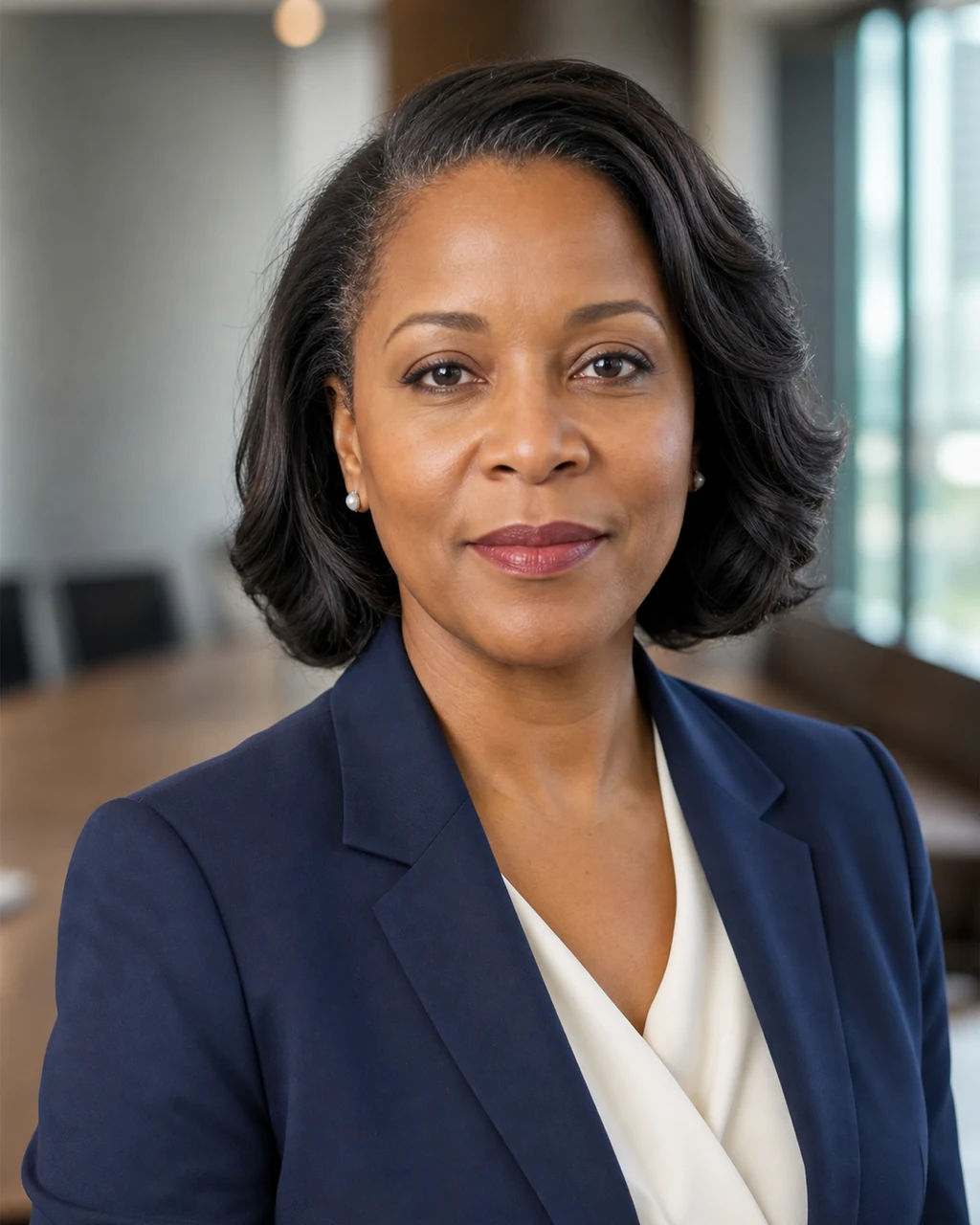
Example result
executive headshot generator
Corporate executive portrait
Board-ready headshot with a tailored dark suit, composed expression, and a modern office or meeting-room backdrop.
Use this style ↑AI professional headshot generator
Turn a casual face photo into a polished AI headshot for resumes, company bios, consultant profiles, and business portraits.
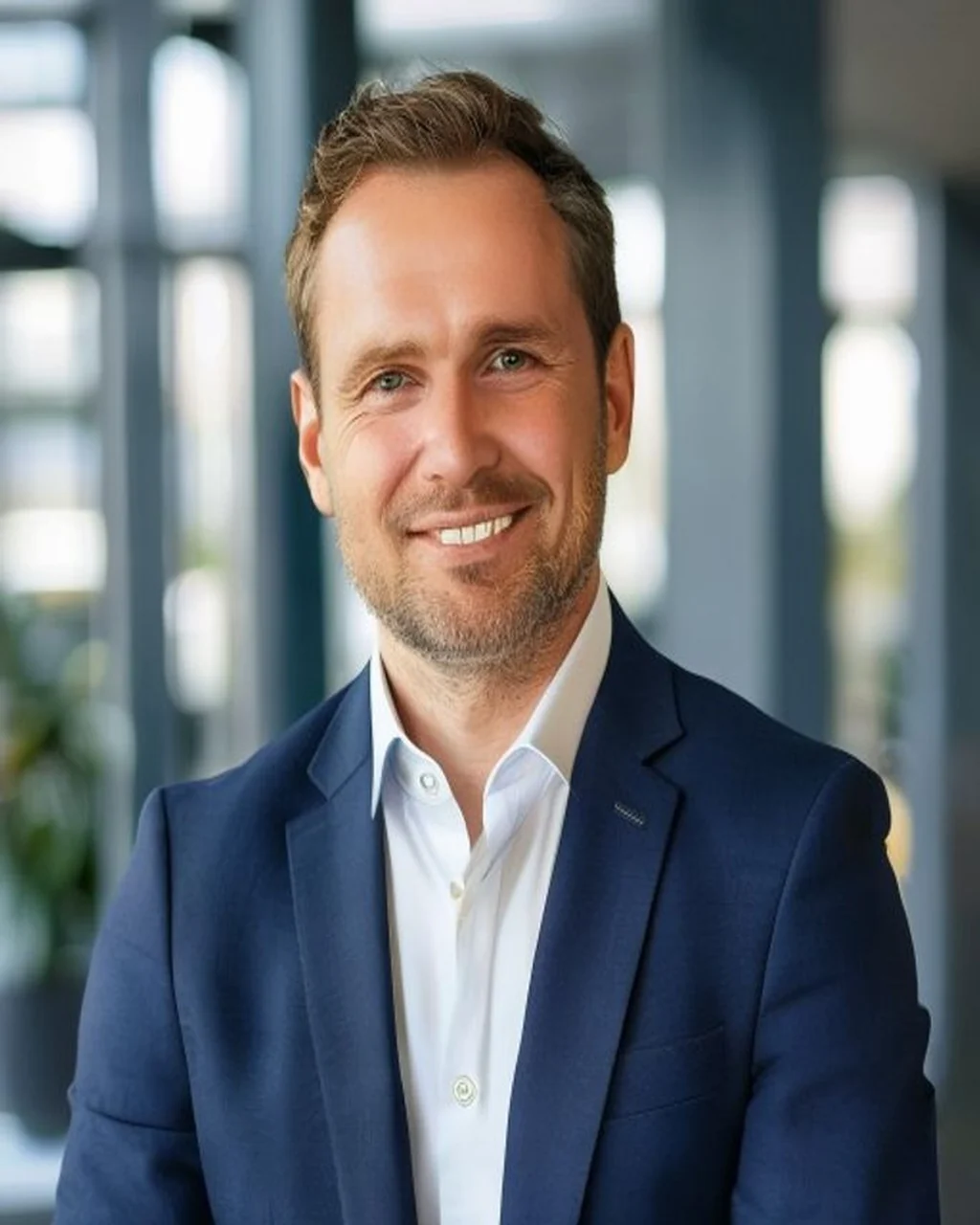 Example result
Professional business headshot
Upload your photo to create a polished profile image.
Selected output
3 free credits after sign-in. No payment required. Credits are used only when you generate or edit an image.
Upload your own photo or an image you have permission to edit. AI tries to preserve identity, but results may vary.
Professional headshot prompts
Start with the default professional headshot prompt, or use these ideas when you want a more specific corporate portrait, resume photo, or business profile picture.
executive headshot generator
Board-ready headshot with a tailored dark suit, composed expression, and a modern office or meeting-room backdrop.
Use this style ↑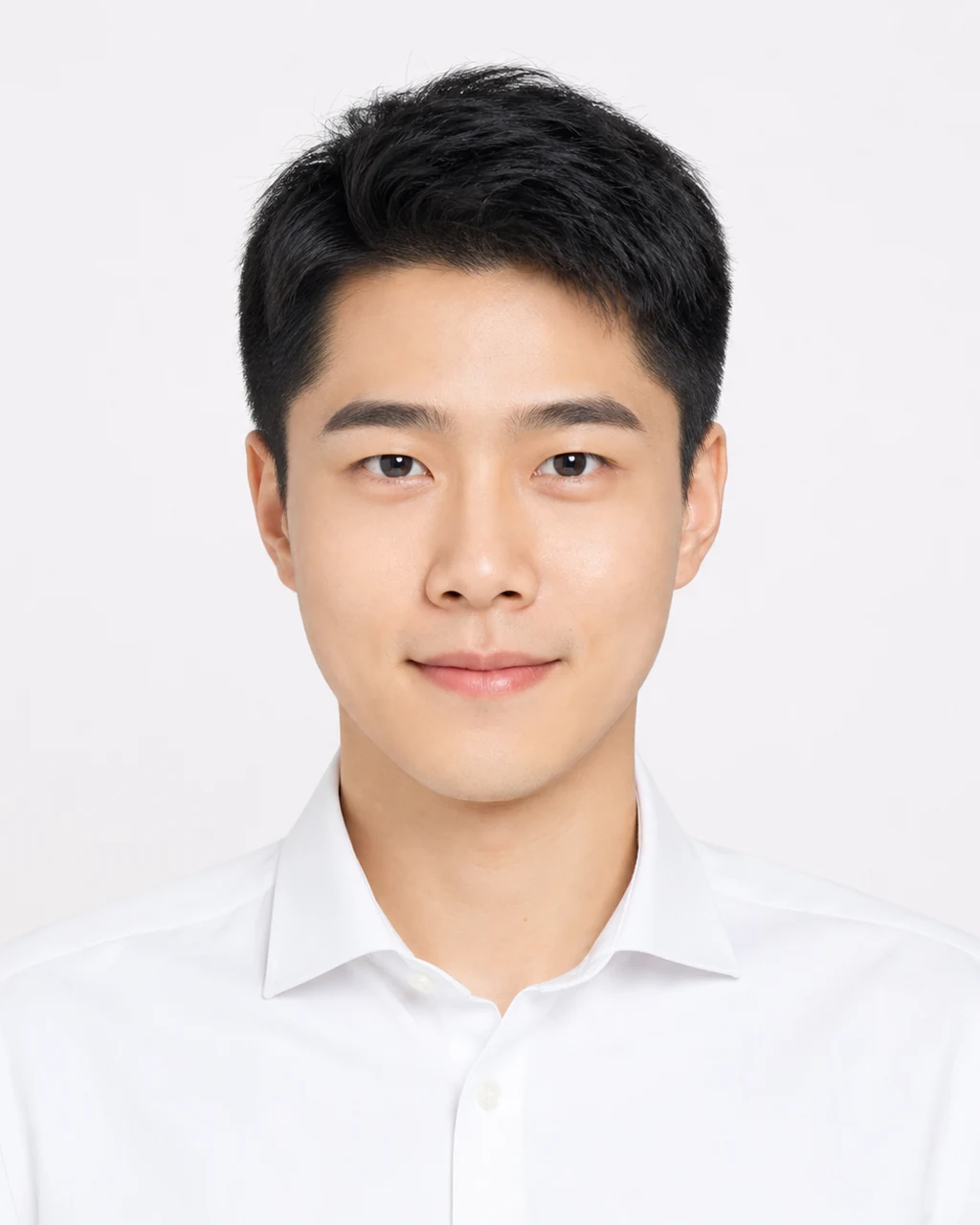
AI resume photo generator
Minimal job-search portrait with a white shirt, plain light background, direct eye contact, and no distracting styling.
Use this style ↑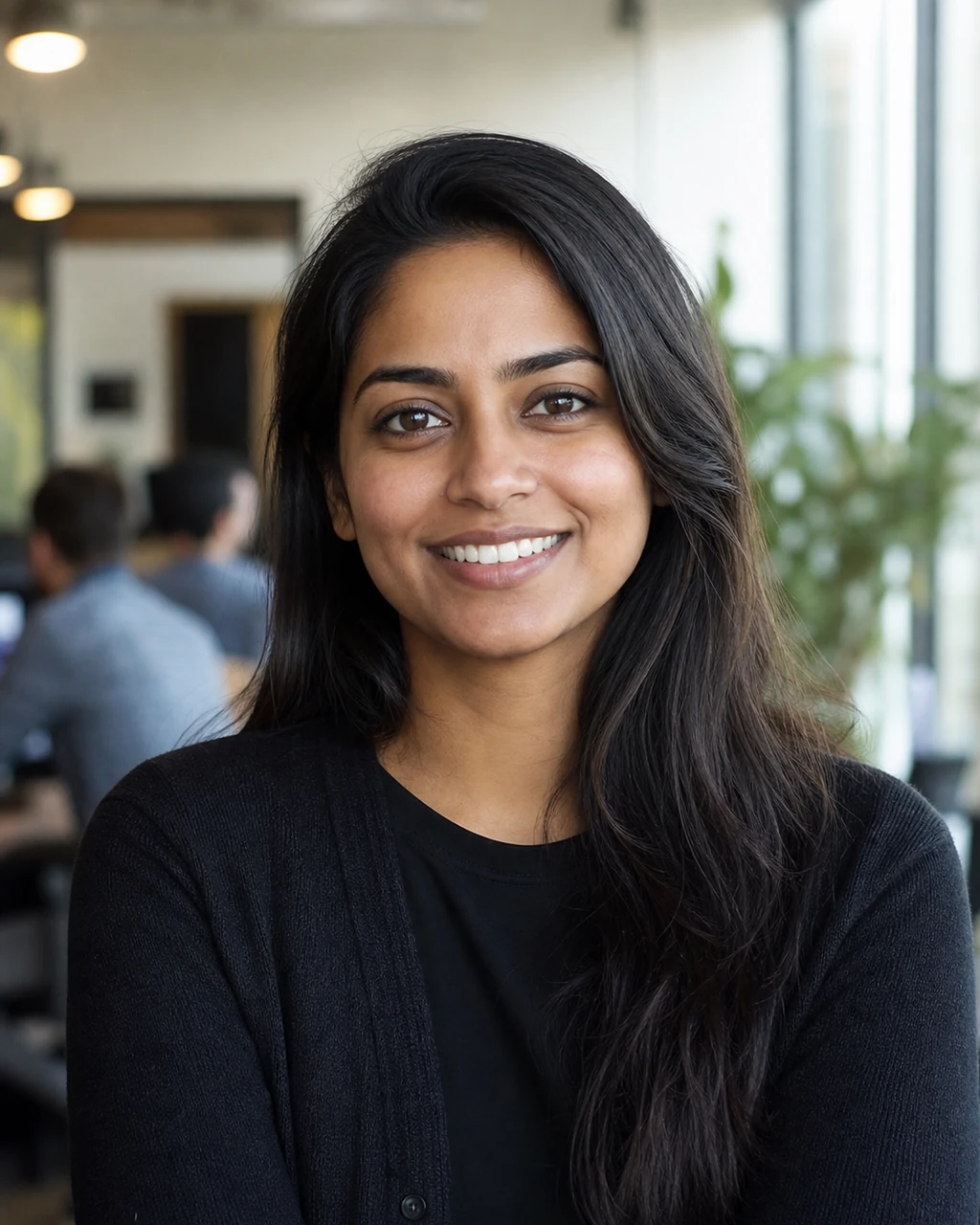
startup founder headshot
Approachable founder profile with smart-casual clothing, natural smile, and a bright coworking or startup office feel.
Use this style ↑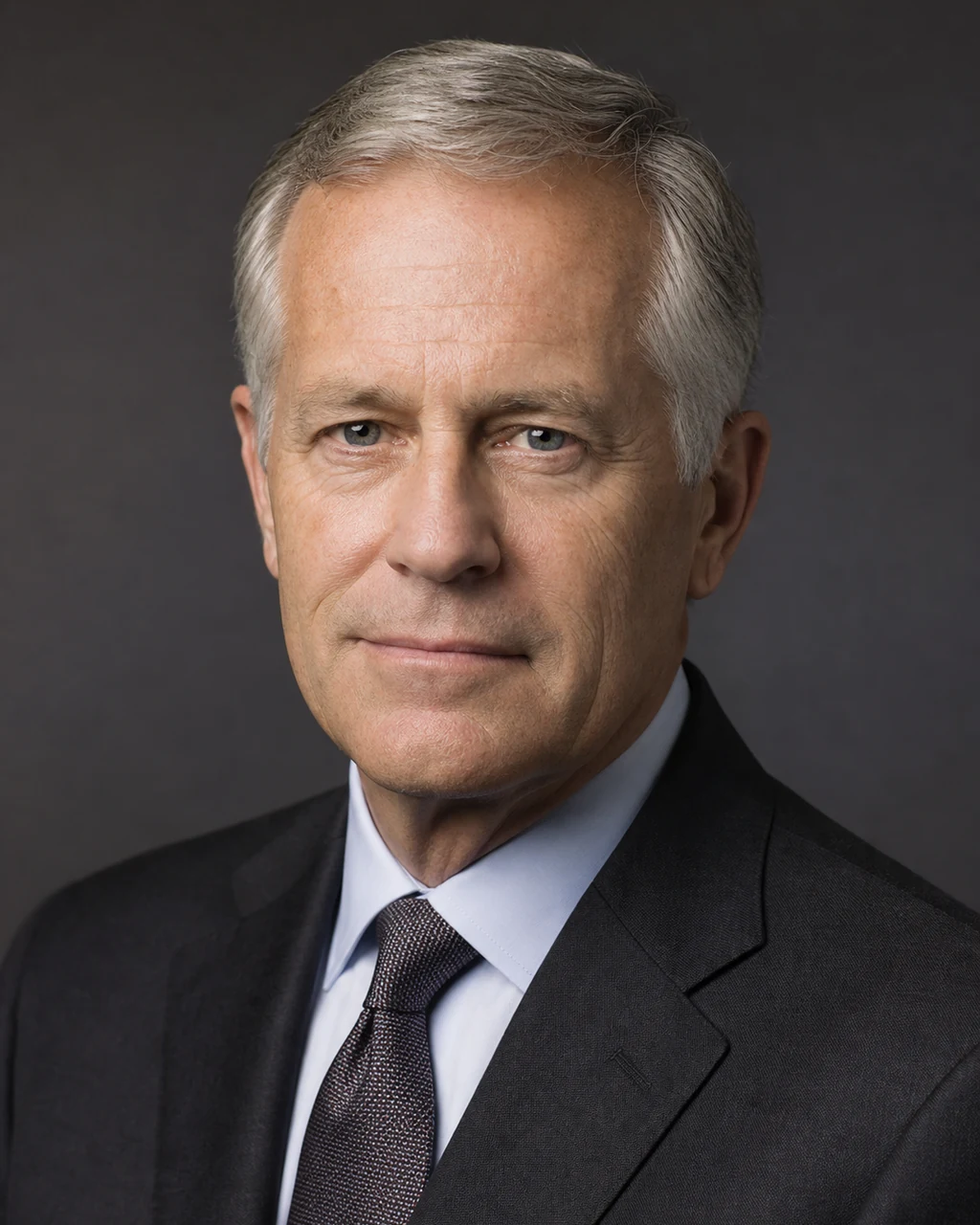
consultant headshot generator
Trust-focused expert portrait with formal attire, restrained lighting, and a credible professional-services look.
Use this style ↑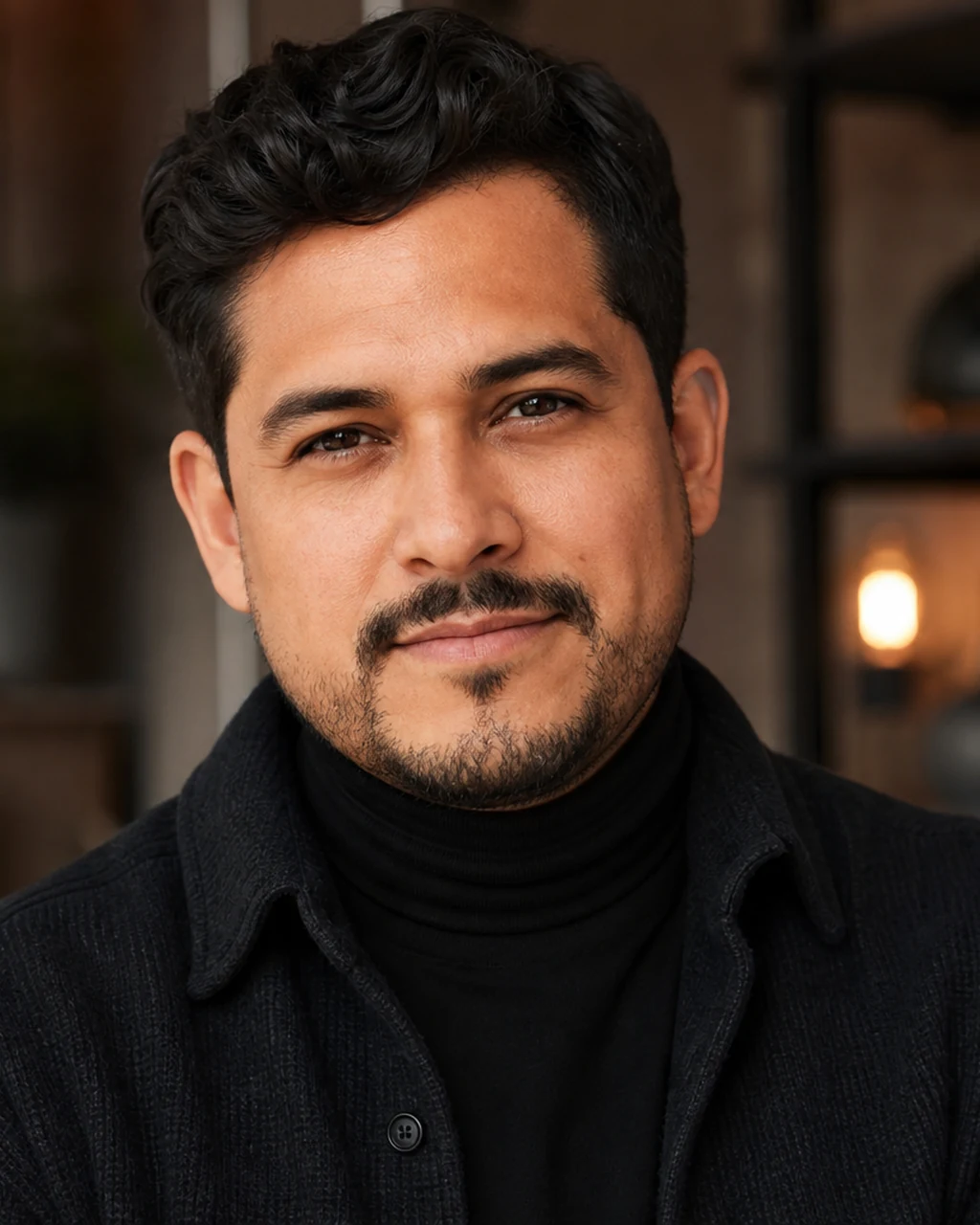
creative professional portrait
Personal-brand headshot with relaxed premium styling, warmer studio tones, and more personality than a corporate bio.
Use this style ↑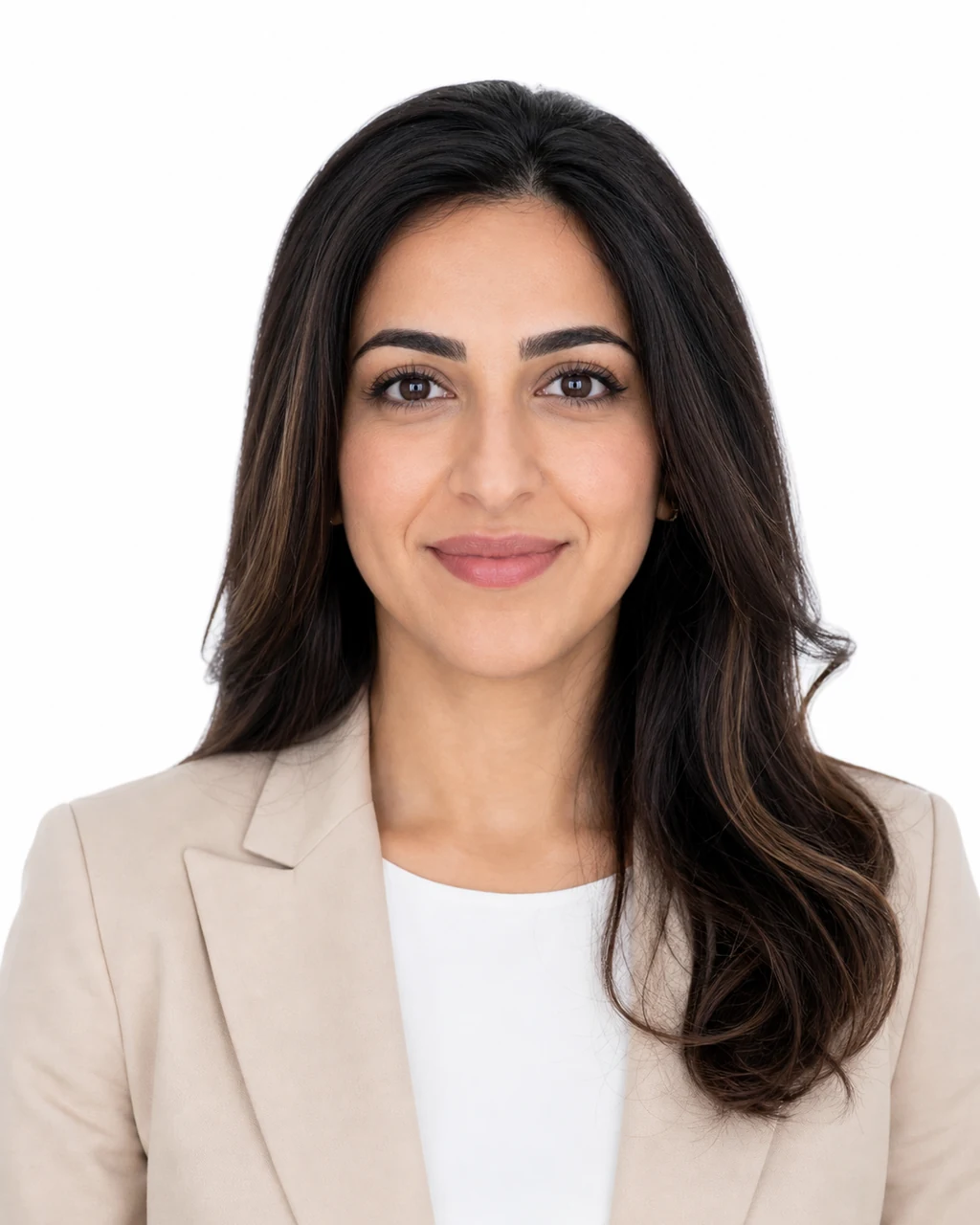
staff directory headshot
Uniform staff-directory image with a pure light background, friendly expression, and consistent company-page framing.
Use this style ↑Use cases
A good business headshot should look clear, realistic, and trustworthy. Use the editor when you need a professional profile picture quickly, without manually writing a complex prompt.
Create a clean business headshot that looks professional without booking a studio session.
Turn a casual face photo into a more formal resume headshot for job applications and portfolios.
Make consistent business profile photos for team pages, founder bios, and About pages.
Use a polished corporate headshot for client-facing profiles, proposals, and online directories.
Business-ready portraits
A resume photo, company bio portrait, and consultant profile do not need the same crop or background. Use clear instructions for outfit, background, lighting, and final use case so the generated headshot feels appropriate.
Generate a professional headshot with realistic lighting, clean framing, and business-focused styling.
Generate a professional headshot with realistic lighting, clean framing, and business-focused styling.
Generate a professional headshot with realistic lighting, clean framing, and business-focused styling.
How it works
Upload a clear front-facing face photo
Choose the recommended 3:4 portrait size
Add optional outfit, background, or lighting details
Generate, review, and download your professional headshot
FAQ
Yes. Upload a clear face photo, and the professional headshot generator can create a cleaner business portrait with professional outfit, neutral background, and polished lighting.
The editor uses your uploaded photo as the visual anchor and tries to preserve the same person, facial structure, and expression. AI results can vary, so use a clear front-facing image for best results.
Use a clear front-facing photo with good lighting, no sunglasses, no heavy filters, and a visible face. Simple backgrounds usually produce cleaner business headshots.
Yes. The optional instructions box lets you ask for details like a navy blazer, white shirt, studio background, office background, softer lighting, or a more executive look.
Portrait 3:4 is the recommended default for a professional headshot. Square 1:1 can also work well for profile avatars, but portrait framing usually gives more room for shoulders and outfit.
The default professional headshot request starts at 4 credits. Larger or square HD outputs may use more credits depending on the selected image size.
You may use the result for professional profile contexts if you have permission to edit the uploaded photo and the use complies with applicable law, third-party rights, and the selected AI model's terms. You are responsible for reviewing the result before publication.
Upload photos you own or have permission to edit. AI Editor RSP processes the image to generate the result and provides account history for signed-in users to access previous generations.
It is useful for job seekers, founders, consultants, sales teams, freelancers, and remote teams that need consistent business profile photos without booking a studio session.
More AI image tools