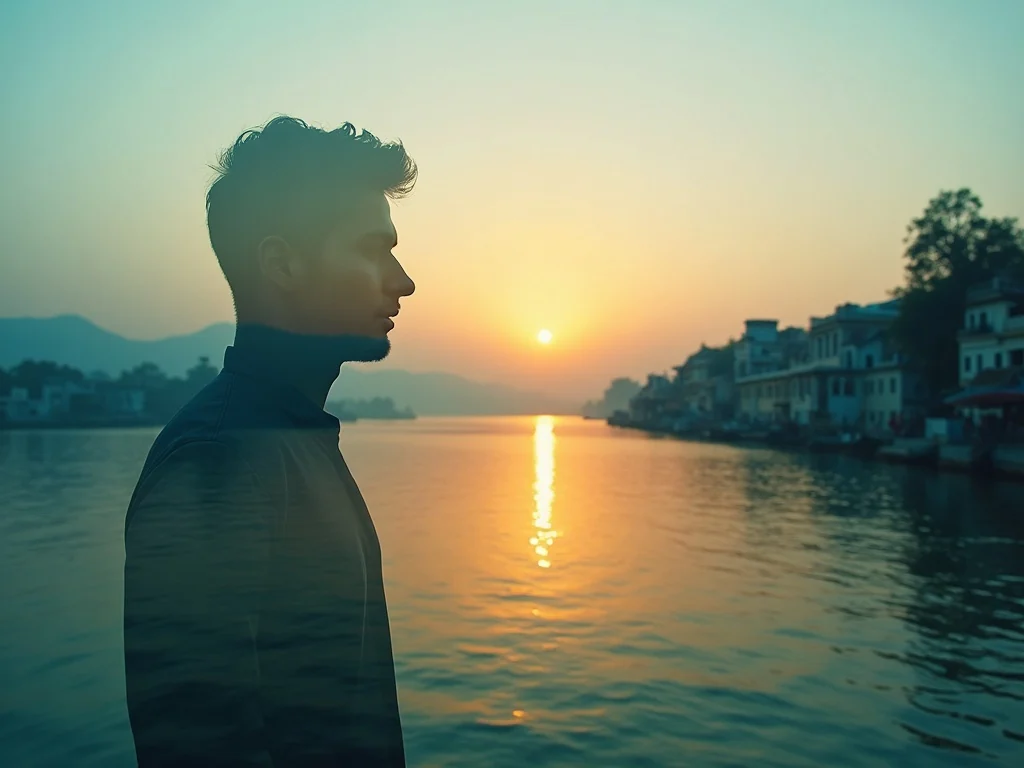
Photo4:5
Double Exposure Travel
Blend a portrait with a cinematic travel scene, warm sunset tones, soft double exposure edges, realistic texture, and editorial RSP-style color grading.
Reference-first AI Editor
Pick a prompt, customize the style, lighting, shot, and size, then create a polished AI image in seconds.
Start with a prompt, then generate
Choose a prompt, set size, then generate. Result actions appear here.
Output tray
Actions unlock when a result is ready.
Need a professional headshot?
Upload a face photo and create a polished AI headshot for resumes, company bios, consultant pages, and business profiles.
Prompt Library
Start from tested prompt ideas for portraits, product photos, social posts, study rooms, anime styles, and more.
Blend a portrait with a cinematic travel scene, warm sunset tones, soft double exposure edges, realistic texture, and editorial RSP-style color grading.
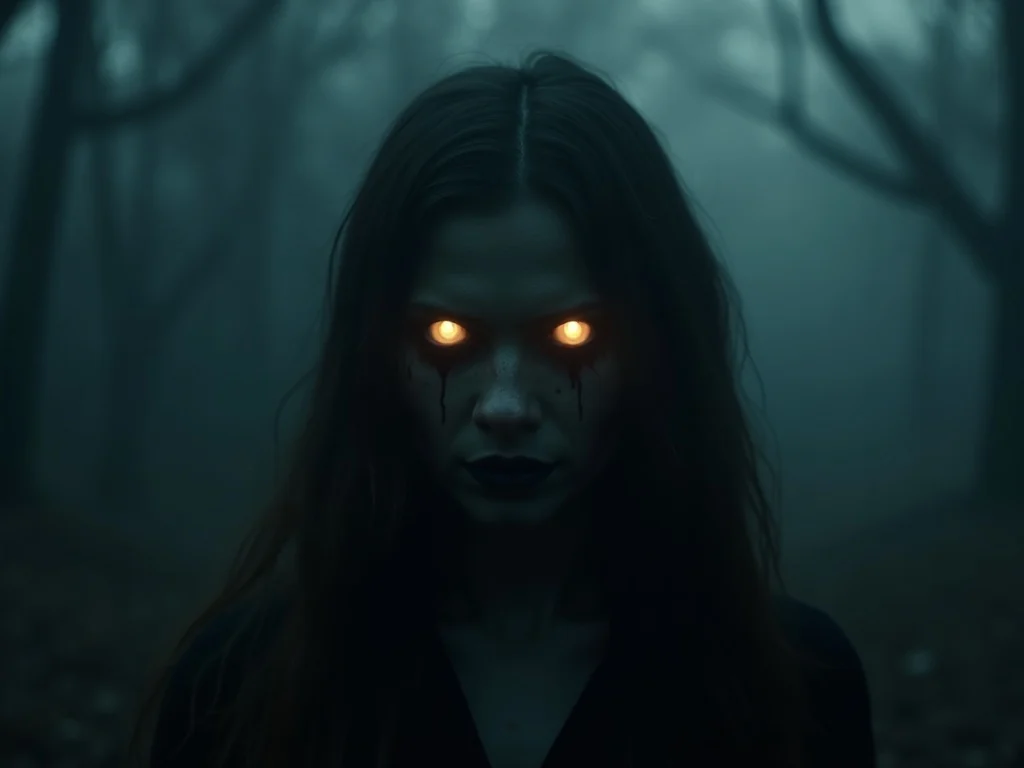
Create a moody horror portrait with controlled shadows, glowing eyes, cinematic contrast, fog texture, and a polished dark editorial finish.
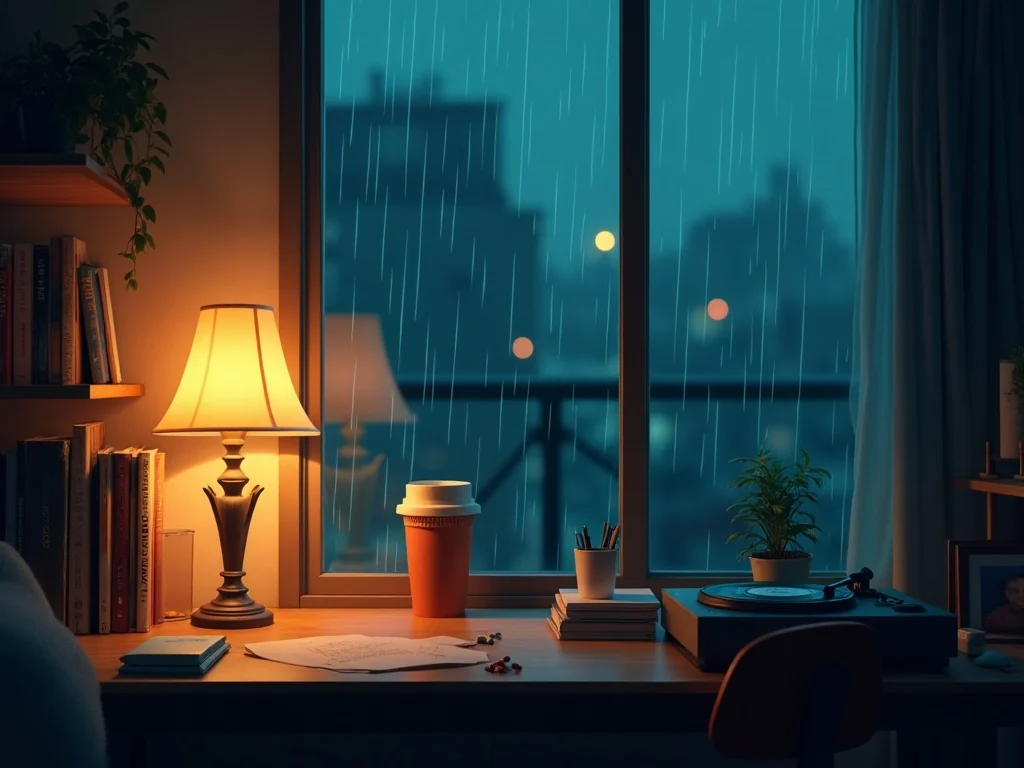
Turn a cozy desk scene into a lofi night-study visual with warm lamp light, rain outside the window, soft grain, and calm creator atmosphere.
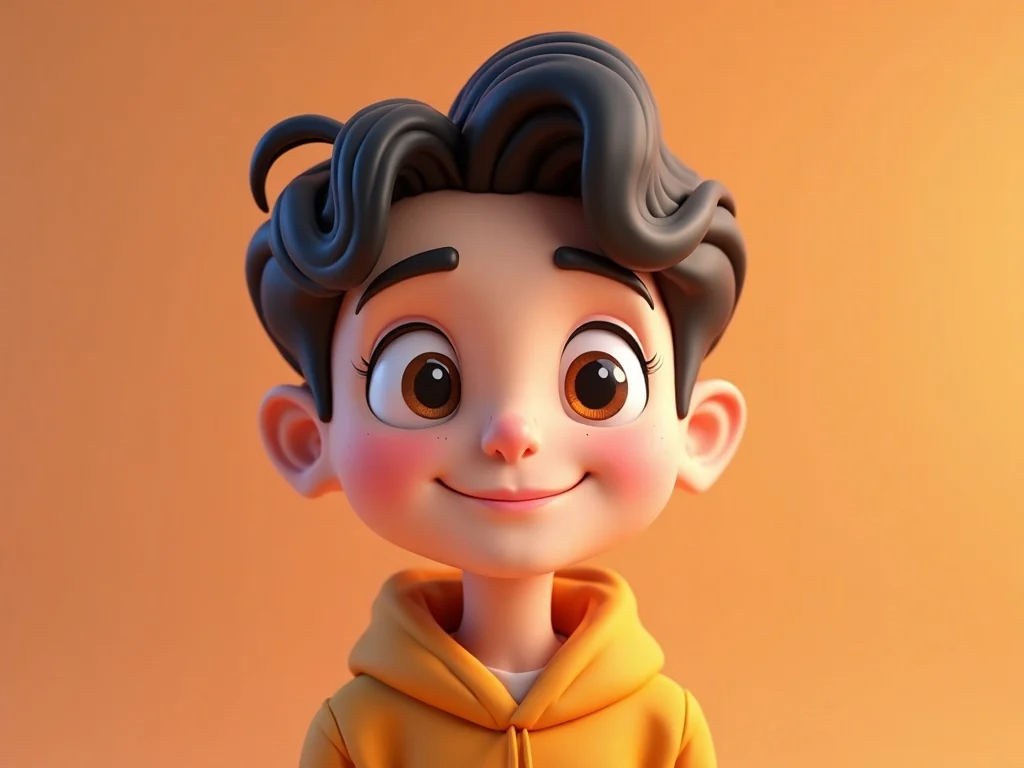
Convert a selfie into a friendly 3D cartoon portrait with glossy studio lighting, expressive eyes, clean background, and detailed render quality.
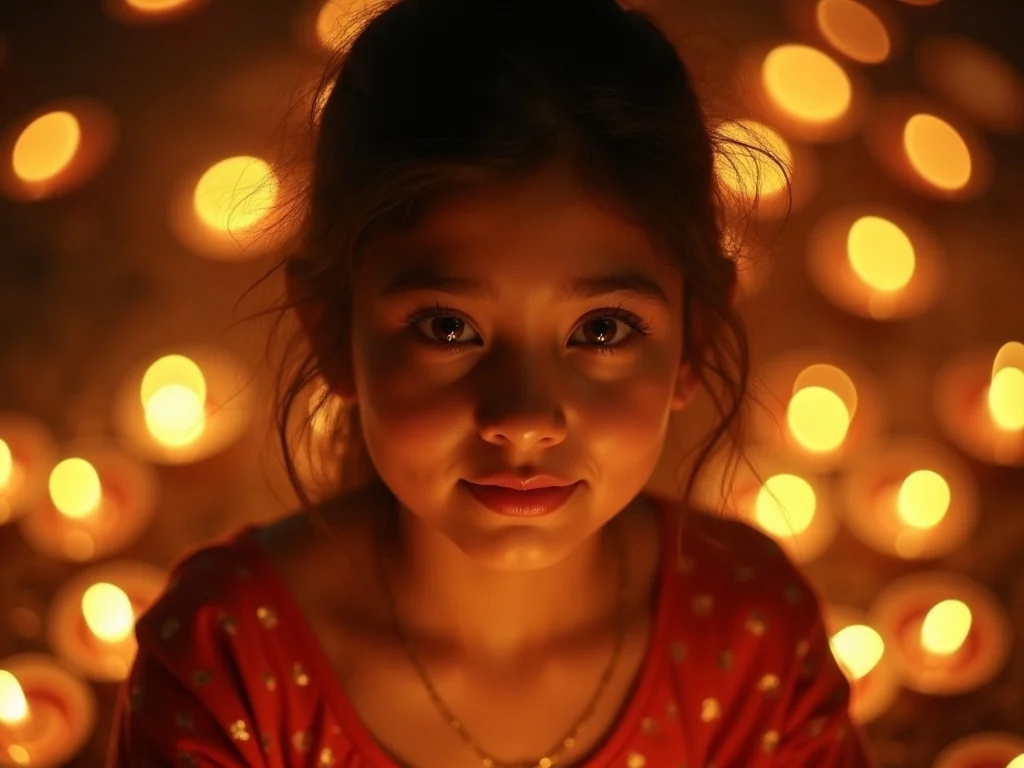
Create a warm festive portrait with Diwali diyas, golden bokeh, rich clothing detail, soft focus background, and cinematic celebration lighting.
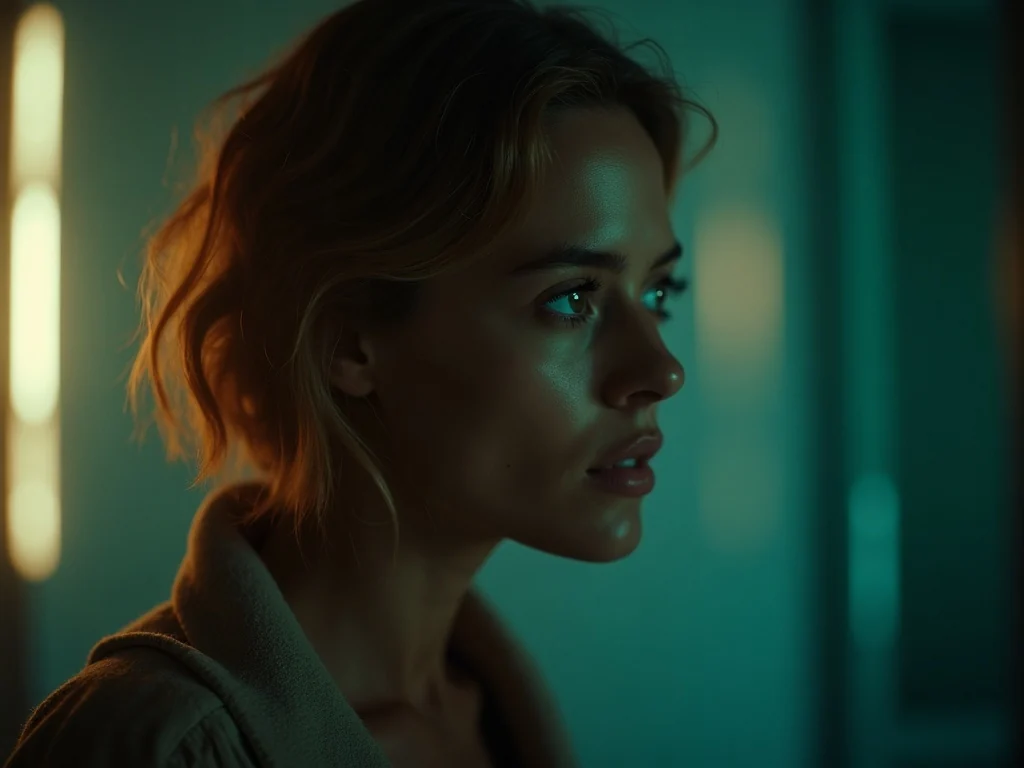
Design a dramatic movie-poster image with strong key light, expressive subject, subtle film grain, studio contrast, and clean cinematic composition.
What you can create
AI Editor RSP is built around practical image tasks: generate a new image from text, edit an uploaded photo, or create a professional headshot. The goal is not a complex design suite; it is a fast browser workflow for real creator, marketing, and business visuals.
Write a prompt or start from a tested template to generate portraits, social media visuals, product scenes, posters, and styled creative images without building a prompt from scratch.
Upload your own image, brush the area to change, and use AI Editor RSP to remove objects, clean backgrounds, or turn a rough photo into a cleaner visual.
Create a business-ready headshot for resumes, team bios, founder profiles, consultant pages, and professional profiles from a clear face photo you have permission to edit.
Generate campaign visuals, profile images, and social posts faster with repeatable AI image prompts.
Use one credit balance for quick product scenes, brand images, profile photos, and photo cleanup tasks.
Clean up product photos, remove background clutter, and test simple visual concepts before a full shoot.
Pricing
Start free with 3 credits. Upgrade when you need more monthly image credits.
Try first
3 credits total
No payment required
Light use
100 credits/month
Occasional image generation
Best value
240 credits/month
Best for weekly creators
High volume
500 credits/month
Frequent creative testing
FAQ
Yes. Sign in to claim 3 free credits, then create from a ready prompt or open Image Editor to edit an uploaded image.
Credits are used when you generate or edit an image. Portrait text-to-image starts at 1 credit; square, landscape, and uploaded-image edits may use more credits.
No. This is an independent creator tool and prompt hub.
No. You can sign in and use your free credits before choosing a paid plan.
Yes. Upload a PNG, JPG, or WebP image, describe the edit, compare before and after, then download the result.
Generated images may be used depending on your use case, the underlying AI model terms, and your own legal review. AI Editor RSP does not guarantee every output is free from third-party rights or suitable for every commercial use.
Paid plans use Stripe-hosted checkout after sign-in. Stripe receives card details; AI Editor RSP stores billing identifiers and status records, not full card numbers. Eligible refund requests can be submitted from Account → Billing and complete only after review and Stripe confirmation.