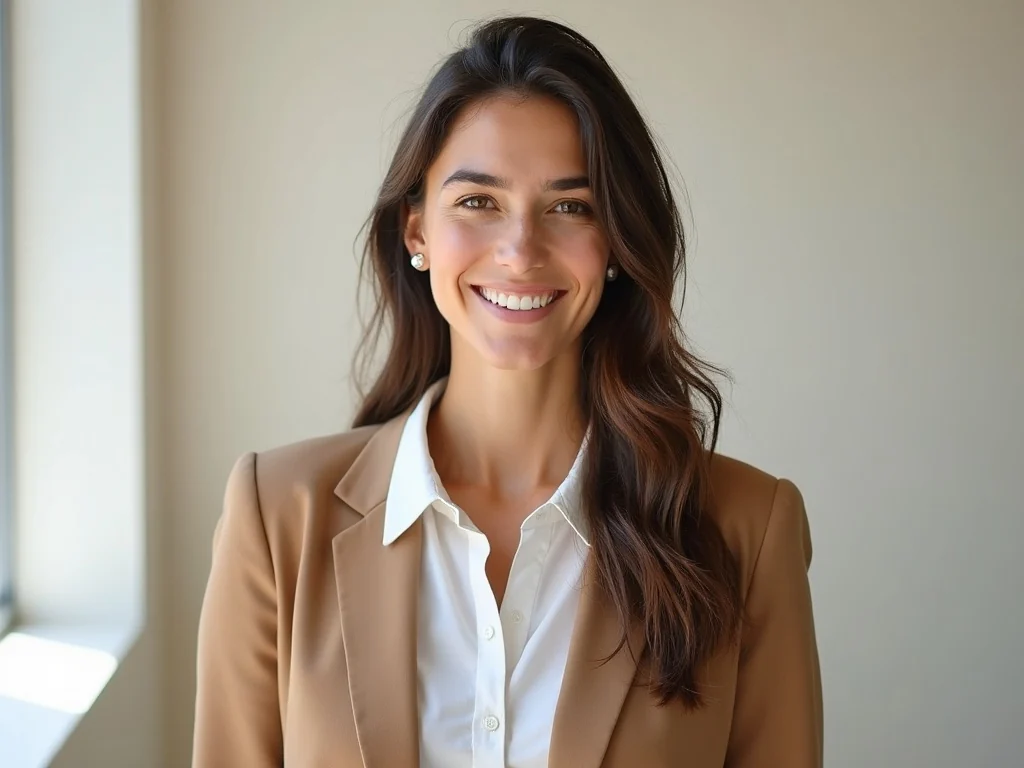
AI-generated preview simulation. Results may vary.
Double ExposureAI Prompt
Travel Portrait Blend
Portrait fused with cityscape for cinematic travel vibes. Blend a portrait photo with iconic landmarks to create a dreamy double exposure effect.
How to recreate this effect
- Choose a clear portrait photo with good lighting
- Select a travel landmark or scenery image
- Use the prompt: 'A double exposure portrait of [subject] silhouetted against [landmark]...'
- Adjust the blend ratio in your AI tool
- Fine-tune colors and lighting for cohesion
Related Resources
Tags
double exposuretravelportraitcinematic
Independent guide. Not affiliated with RSP Editing. AI-generated results may vary. We do not provide AI generation services.